Your own car
You drive your own car, and you can register more than one in the same account.


Registration takes a few minutes in the Drovox Hero app. Check the lists below before you start.
Registration is open to Saudi men and women aged 18 and over.
Women are welcome to drive with Drovox.
Help accessing Hadaf support is available for those eligible.
You upload them in the app; no office visit is needed.
It confirms your profile photo.
For instant withdrawals.
You drive your own car, and you can register more than one in the same account.
The app tracks when your licence, insurance and vehicle authorisation expire.
Your account is registered to one city. If you move, Hero support updates it.
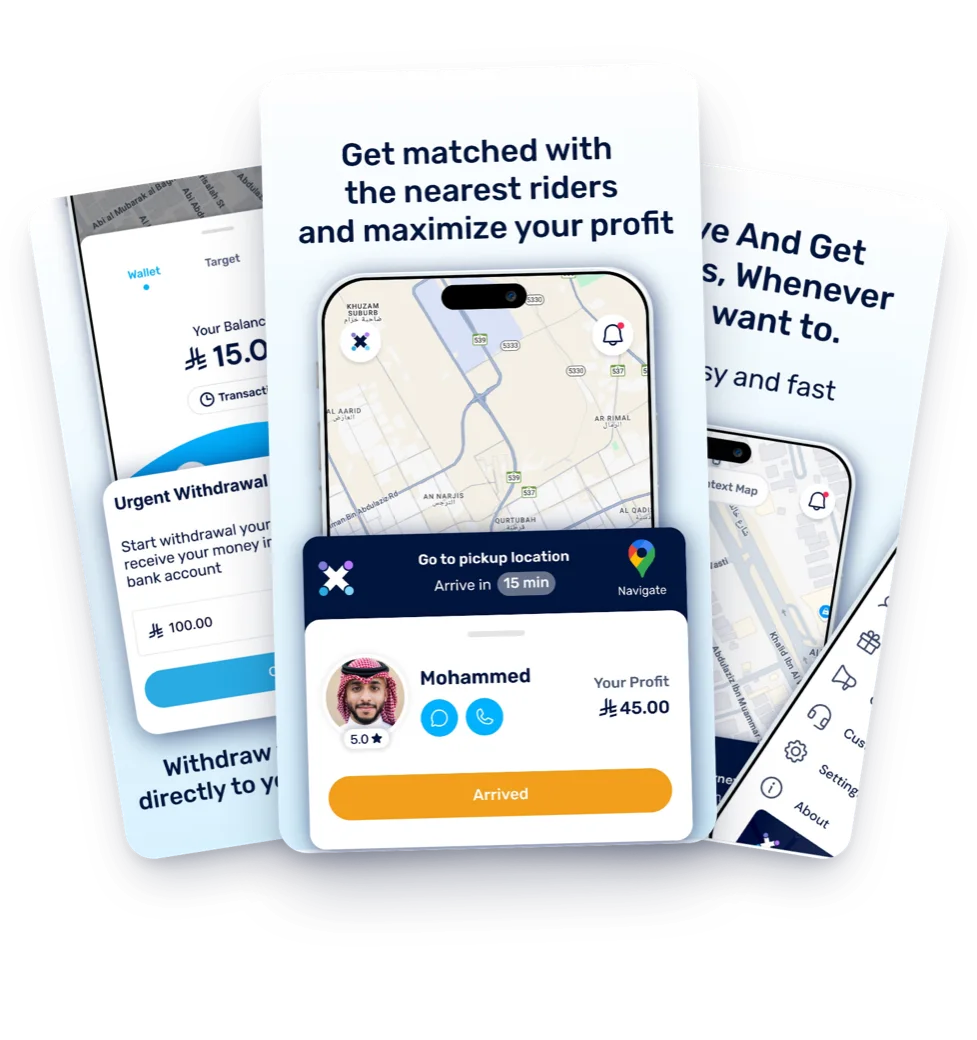
You can register more than one car on the same account and choose the one you drive. This is how you add a car in the Drovox Hero app.
Download Drovox Hero, upload your documents, and get preliminary approval in under 15 minutes.