Early flights
Book the night before and your ride is set for the morning.


Pick a date and time in the Drovox app and a Hero is assigned before your trip. Book it once, or set it to repeat.
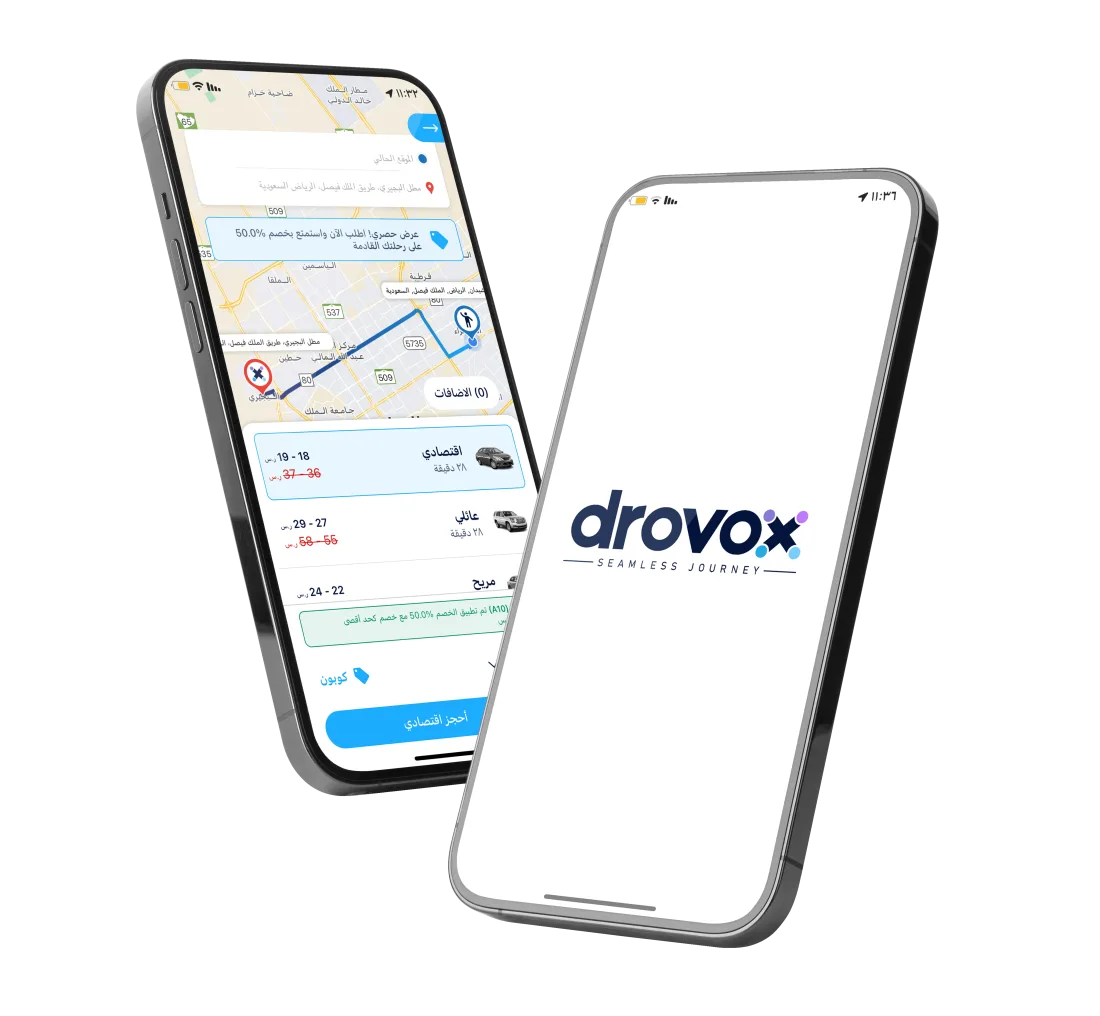
Enter your pickup and destination as usual.
When booking, pick the date and time you need.
The fare for your class shows before you confirm.
The app alerts you before the trip, and a Hero is assigned ahead of time.
Book the night before and your ride is set for the morning.
Set a trip to repeat for work or university.
Arrive on time for a meeting, a clinic visit or an event.
Change or cancel a scheduled booking from the app before it starts.
Open the Drovox app, set your destination, and choose a later time.